
Metabase Reports
Overview
In the administration section of Portal, users are added to Metabase Report Groups, and specific reports are assigned to those groups. Metabase Reports is where you can view the Metabase Reports for the Metabase Report Groups you are in.
Permissions
Users with the required permissions can access Metabase Reports from the left-hand menu. Under the Metabase section, simply click Reports.

You will then be presented with a list of Metabase Groups that you have been assigned to.
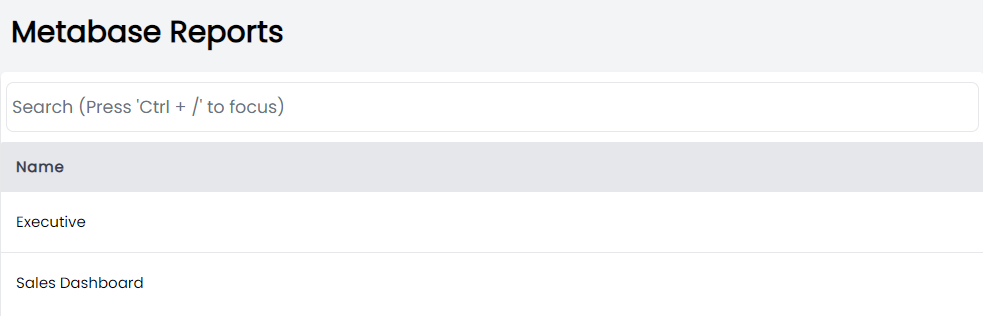
Click one of the Groups to view the reports associated with that Group.
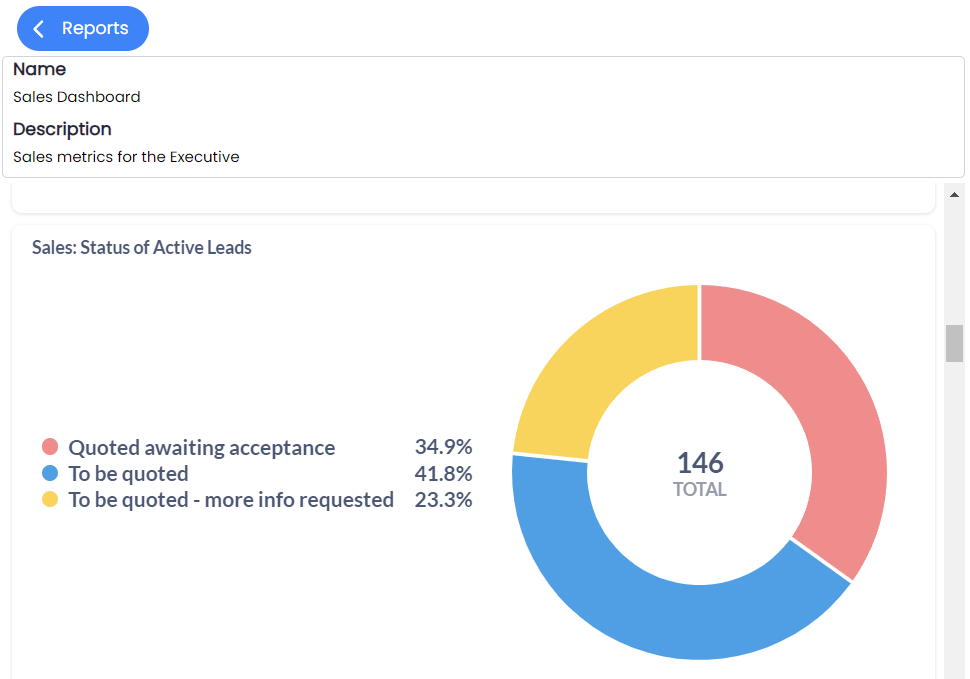
If your tenant uses a full-screen Metabase page, it may be available at /user/metabase-dashboard even though that entry is not listed in navLinks.ts — see Metabase dashboard.